The instructor role
The “instructor” is a user who only has access to the course creation tools of the SimplyLearn platform. The purpose of this user is to create courses. This is ideal when you need people to create courses but not to make any other edits on your platform. It can also be an optimal solution for people who are not familiar with WordPress. The “instructor” role is easier to use than the admin role.
Be aware, this feature is not activated on all installs. To activate the instructor on your platform, send us a ticket.
How to add a new instructor
To add a new facilitator to your course, you need to be logged in as an admin.
- Hover over “Users”, click on “Add New User”
- Fill in the required information.
- Choose “Instructor” as a role.
- Click “Add New”.
The role is now created and the user will then get an email where they can set their own password.
You can also change the role of existing users by following the process below.
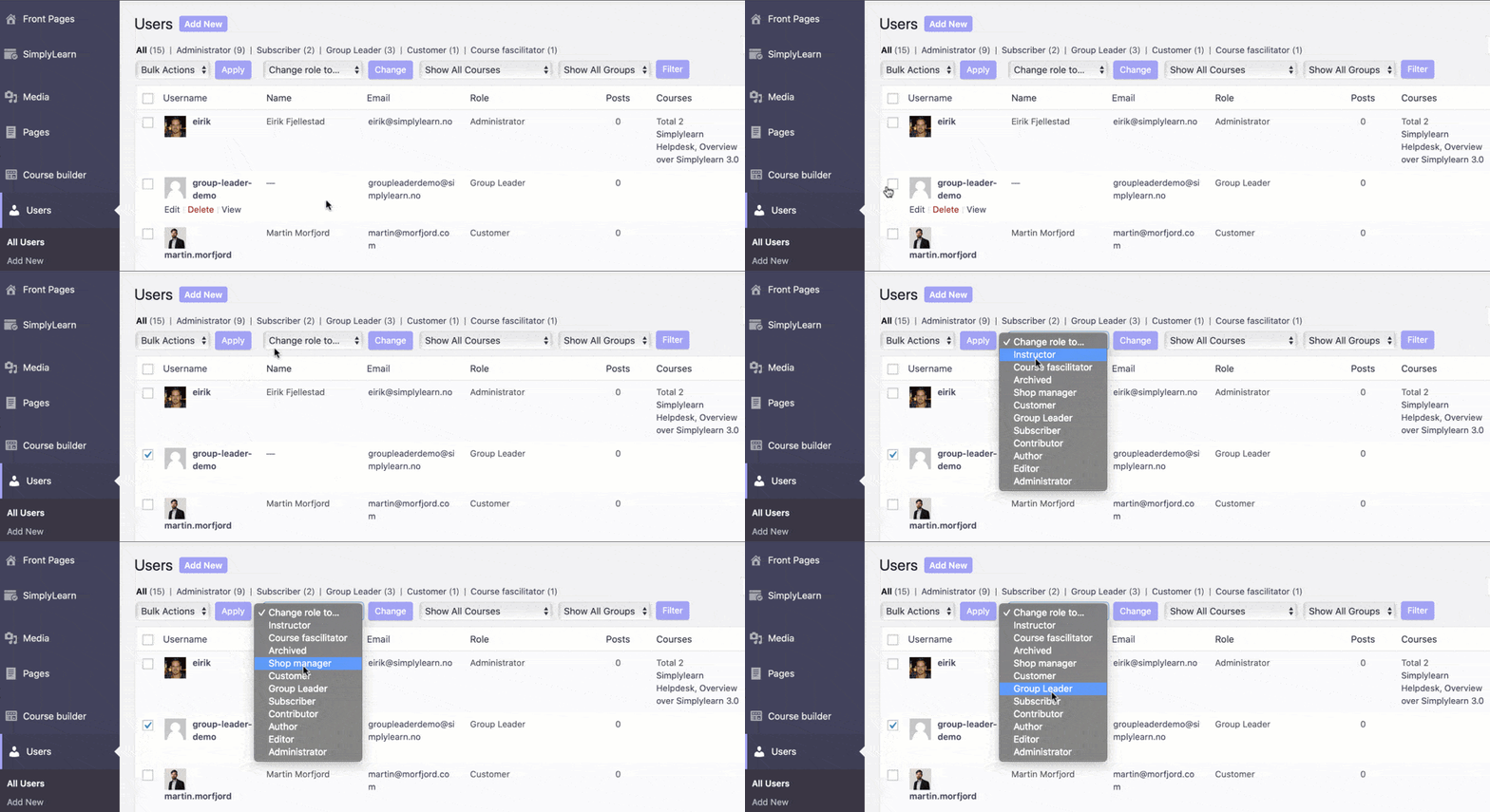
Selecting which courses the instructor can edit
The instructor will only have access to the courses they are given access to. They can create their own courses, but they can’t edit existing courses unless an “Admin” user gives them access. To give instructors course access follow the checklist below.
- Go to the course that the instructor should get access to.
- Scroll down to the “Share course” section and add the specific instructor.
- Click on “update”.
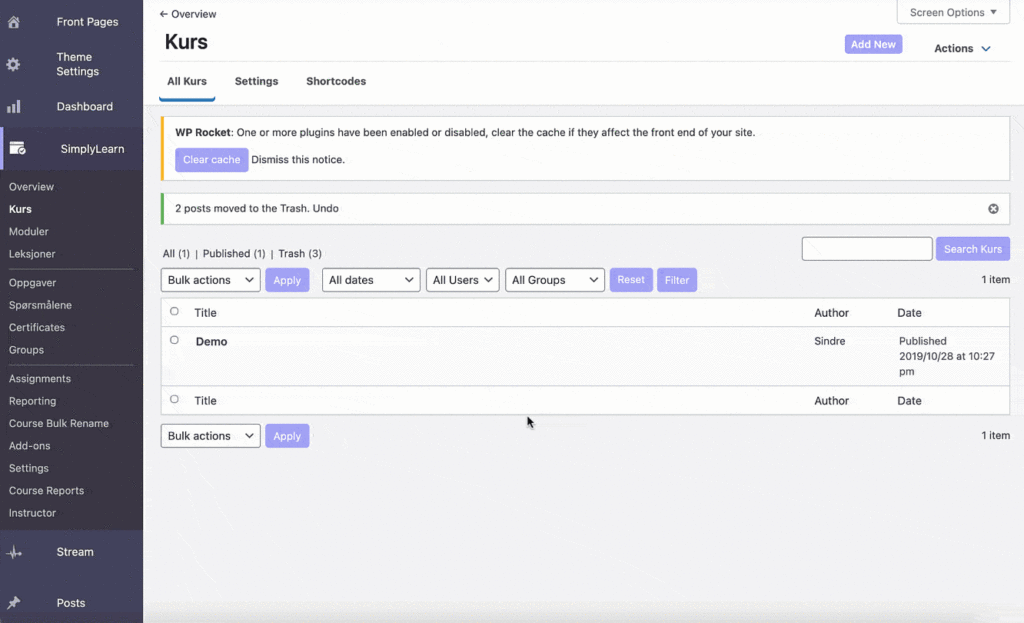
When you share a course with a instructor, do not set it as “private”. The course will then not be editable for other users than the course author.
Related Articles
The administrator
An administrator is the user role that has all the capabilities and can perform all of the actions on a Simplylearn platform. A user with the administrator role can also add and remove other users with the same role. When assigning the administrator ...The group leader
The group leader is a user role in SimplyLearn which inherits the ability to: view reports on course progress for any user in the group view reports on assignment performance for any user in the group send email messages to the entire group How to ...The group leader
The group leader is a user role in SimplyLearn which inherits the ability to: view reports on course progress for any user in the group view reports on assignment performance for any user in the group send email messages to the entire group How to ...General Settings
The settings will ONLY be visible for users with Administrator capabilities. The General tab contains the majority of Simplylearn's global settings. It is organized into the following sections. Design & Content Elements Admin User Settings REST API ...How to send trigger based email notifications (Ultimate feature)
SimplyLearn notifications can send emails to your students after certain actions occur on your site, like completing a course, finishing a module, passing/failing a quiz, etc. You can customise when these notifications are sent, who receives them, ...