Course report
To get access to the course report, go to
- SimplyLearn –> Reporting
Overview
You will then see an account for all courses on your site. From this menu you can see reports from specific courses and the users within them.
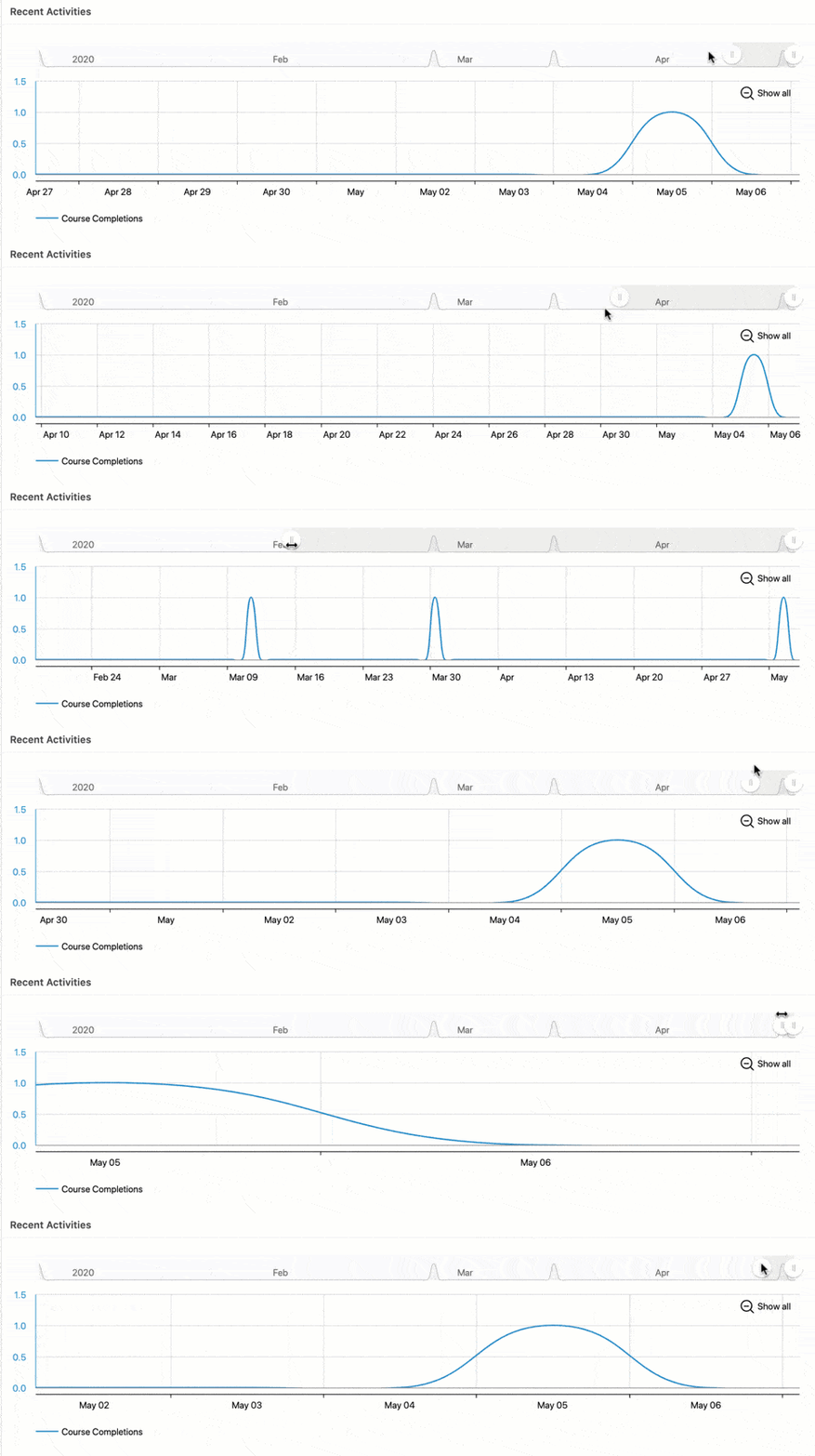
The recent activities chart display the course completion. You can adjust for X-axis for relevant dates by using the Toggle button.
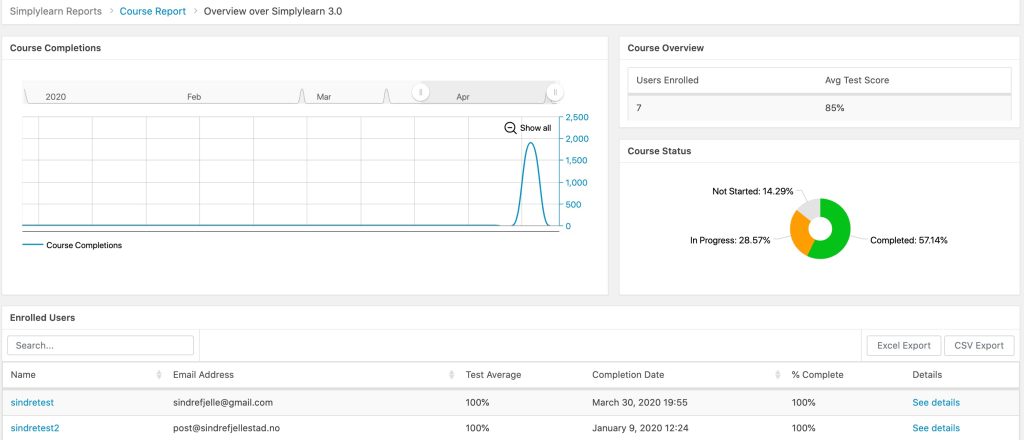
Below the overview charts on the course report, you’ll see a list of all the Simplylearn courses, their enrollment data, and the status of progress and completion. You can sort data by any column heading or use the Search field to find a particular course.
Enrolled User Report
When into the single course report you will see a list of enrolled users in the course. Clicking on one of these users will display a detailed account of the individual user’s progress in the course.
From this report, you can see their course progress, download their certificate link, give feedback on tests, etc.
Related Articles
User report
The User Report lets you monitor the progress that your learners make in courses they are enrolled in. To get access to the user report go to Simplylearn –> Reporting Click on the tab “User report” When the User Report first loads, it shows you a ...Group report
With our reporting tool, it is very easy to filter our reporting data by a specific group. You then have the ability to look at data across all courses that the group has access to. User reports for specific users in your group are also available. To ...Course structure
Before you start creating courses with Simplylearn 3.0 it could be quite helpful to understand how the courses are structured: The top-level is naturally called “Course”. The next level is «Modules». The Modules are linked to the course and can ...Course certificate
With SimplyLearn you can create custom course certificates. These certificates can be assigned to a course or a test. This article will walk you through the certificate creation process. For some, this process can be a bit advanced. If this is you, ...Manually register course participants into a course
You have the opportunity to manually register course participants into a course. This is very easy to perform and we have outlined the necessary steps. Go to the relevant course. Click on the “settings” tab Scroll down to the “Course users” section. ...